
As technology advances and artificial intelligence becomes more human-like, online scams designed to steal data or money are increasingly difficult to detect. A recent viral post on X highlighted a common email scam that cybersecurity experts warn many people fall for, regardless of their technical expertise.
How the Scam Works
In the post, a user shared an email that appeared to come from Microsoft. However, a close look at the sender's email address reveals that the letter 'm' in Microsoft is actually the characters 'rn', which look similar on smaller screens or when skimmed quickly. This technique, known as domain spoofing, is one of the oldest tricks in the book, according to Alex Hamerstone, advisory solutions director at TrustedSec, an ethical hacking company.
Two Common Methods
Bad actors typically use two approaches: creating fake websites with similar-looking names, or using those fake domains to send emails. Jacob Aurand, counterintelligence manager at Binary Defense, explains that scammers prey on people's tendency to give a quick glance without deeper scrutiny. Most recipients do not thoroughly examine email addresses from large companies like Microsoft.

Fear Tactics and Urgency
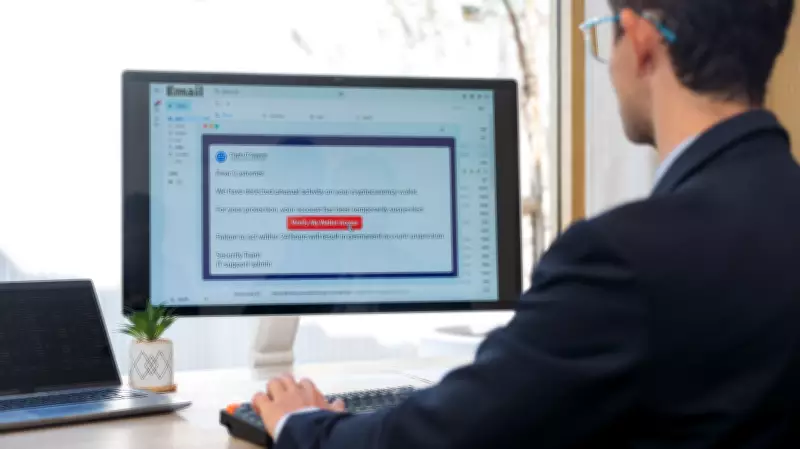
Domain spoofing emails often incorporate fear tactics. For example, a fake Microsoft email might claim unusual activity on your account and urge you to click a link to verify. This sense of urgency causes people to act impulsively, fearing a bigger problem if they delay.
What Happens When You Click
Clicking the link leads to a legitimate-looking login page where you enter your credentials. After submission, the page displays an 'incorrect password' message, prompting you to try different combinations. Meanwhile, the scammer captures all entered information on the backend. With your Microsoft credentials, they can access your account and any other sites where you reuse the same username and password.
Defense Strategies
Aurand emphasizes using unique passwords for different accounts—banking, social media, email—so that a single breach does not compromise everything. Multi-factor authentication is another strong defense.
Trust Your Gut
Scammers are adept at tricking even tech-savvy users. Hamerstone advises slowing down and taking a second look at every email address and domain, especially if something feels off. Be suspicious of unexpected requests for data or money, as well as rushed demands. Scammers want you to act quickly because deliberation reduces success.
Verify Legitimacy
Understand how legitimate organizations communicate. For instance, the IRS sends letters, not random texts, and never asks for payment in Bitcoin or gift cards. If an email seems suspicious, call the company using an official phone number—not the one provided in the email—to verify its authenticity.
The Role of AI
Modern scams are more convincing because scammers use AI tools to craft flawless emails, eliminating traditional red flags like poor grammar. Despite this, human intuition remains a powerful tool. If an email feels wrong, trust that instinct. Unexpected messages, odd language, or pressure to act quickly are strong indicators of a scam.