

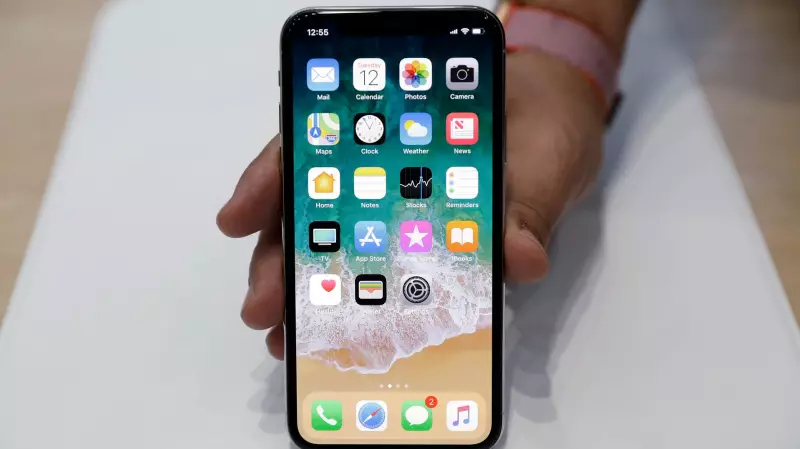
In the digital age, it's common for Canadians to accumulate a collection of outdated, broken, or forgotten tech gadgets. While you may have moved on from an old iPhone or iPad, your private information might not have fully moved on with you. A crucial but often overlooked privacy step involves ensuring your Apple ID is no longer associated with devices you no longer use.
Why Removing Old Devices Matters for Your Privacy
According to Apple Support, keeping your Apple ID linked to unused devices poses several risks. A stray device can potentially access your account, receive sensitive notifications, intercept two-factor authentication codes, or even make purchases in the App Store. It can also allow someone to sync or merge your personal data, gaining access to private photos, notes, and other information you assumed were secure.
This is especially relevant if you've traded in, sold, or given away an older Apple product without meticulously cleaning your digital footprint. The process of a factory reset is essential for wiping data, but separately disassociating your Apple ID is a critical second step for complete account security.

How to Check and Manage Your Linked Devices
Thankfully, Apple makes it surprisingly easy to audit and clean up your device list. The first step is to navigate to the "Settings" app on your iPhone or iPad and tap on your name at the top. This opens the main page for your Apple Account.
Scrolling down will reveal a list of all devices currently active with your Apple ID. Tapping on any device shows detailed information. As noted on Apple's support site, you can see the device model, serial number, software version, and whether it's a trusted device for receiving account verification codes. The specific details may vary by device type, and you might need to authenticate to view them.
Taking Action: The Simple Removal Process
To sever your Apple ID's connection to an old gadget, simply select the device from your list and tap "Remove from Account." You will receive a prompt to confirm your decision. Once confirmed, that device will no longer be tied to your account for services, purchases, or verification.
It is vital to remember that this action does not erase the data stored locally on the physical device. A full factory reset is still required before selling or recycling any hardware to protect your personal files and information.
Beyond bolstering your digital privacy, this cleanup helps manage Apple's account limits. Your Apple ID can be associated with up to ten devices like iPhones, iPads, and Apple Watches, and up to five computers. Regularly pruning your list prevents you from hitting these caps unexpectedly.
Taking a few minutes to review your linked devices is a powerful habit for any Canadian Apple user. It ensures you have control over your digital identity, prevents surprise notifications from forgotten gadgets, and adds a strong layer of security to your everyday tech life.