

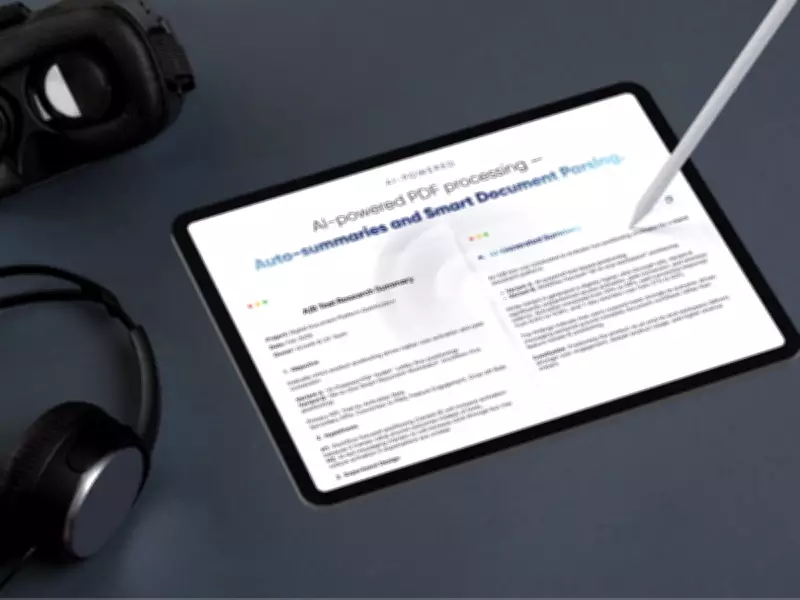
In today's fast-paced business environment, the demand for digital document management is surging as organizations transition to browser-based workflows. Everyday tasks such as merging files, signing agreements, and converting formats have become integral to operations, yet many users still depend on fragmented tools or desktop software that require installations, uploads, or ongoing subscriptions. This reliance often leads to inefficiencies and privacy concerns, particularly when handling sensitive information like financial statements or legal contracts.
The Rise of Digital Document Systems
As more companies embrace paperless processes, the need for streamlined solutions has never been greater. Traditional methods can create bottlenecks, with scattered applications slowing down productivity and exposing data to potential risks. In response, innovative platforms are emerging to address these challenges, offering seamless integration and enhanced security.
Introducing PDFToolKit
PDFToolKit is a browser-based, AI-powered PDF editor designed to manage document workflows without external uploads or installations. Priced at $110 CAD, it operates entirely within the browser, processing files locally so that documents never leave the user's device. This local-only model provides a significant layer of control for professionals dealing with confidential materials, ensuring privacy and compliance with industry standards.

The platform supports a wide range of functions, including editing text and images directly in PDFs, adding signatures, redacting information, and merging or splitting files. Users can also perform multiple operations simultaneously, streamlining administrative tasks and reducing turnaround times.
Key Features and Benefits
With the unlimited plan, subscribers gain access to the complete suite of tools without caps on file usage. Key features include:
- Format conversion between PDF, Word, PowerPoint, JPG, and PNG while preserving layout accuracy, ideal for reports and presentations.
- Batch processing capabilities that allow multiple files to be handled at once, enhancing efficiency for recurring tasks.
- Local Optical Character Recognition (OCR) that converts scanned pages into searchable text, making archival documents easier to navigate.
- Consistent processing speeds across devices, enabling quick editing, combining, or compression of large files like multi-page agreements.
Because everything runs in the browser, PDFToolKit is accessible on any device without installations, making it suitable for users on locked-down corporate machines or those who frequently switch between work computers, laptops, or mobile devices.
How to Get Started
Setting up PDFToolKit is straightforward. After purchasing access through a deals page, users redeem a lifetime access code, log in via a web browser, and can immediately begin managing documents. The license supports unlimited devices, offering flexibility for diverse work environments.
This emphasis on privacy may appeal to industries with strict compliance requirements, such as finance or legal sectors, as well as individuals who prefer to keep their documents secure within their own systems. The platform's browser-based nature eliminates the need for software approvals, simplifying adoption in regulated settings.
Currently available at a limited-time sale price of $110 CAD, down from $857 CAD, PDFToolKit represents a cost-effective solution for businesses seeking to enhance their digital document management. Additionally, a promotion offers a lifetime of Microsoft Office 2021 for free with purchases over $140 CAD, valid until April 19, 2026, subject to exclusions and terms.